
VPN Basics in 2026: What a VPN Protects (and What It Doesn’t)
VPNs have become a standard tool for privacy-conscious users, travelers, and anyone who wants more control over their connection. But the VPN market is also full of exaggerated claims: “100% anonymous,” “untraceable,” “invisible online.” If you build your privacy strategy around those promises, you will eventually be disappointed.
In 2026, the smartest way to think about a VPN is simple: a VPN is a network privacy tool that protects traffic in transit and reduces some forms of tracking, but it does not erase your identity, remove browser fingerprinting, or replace good privacy habits.
This guide explains what a VPN actually protects, where its limits begin, and how to use it in a realistic, effective way. If you understand these boundaries, you can avoid false confidence and get the real benefits VPN technology is meant to provide.
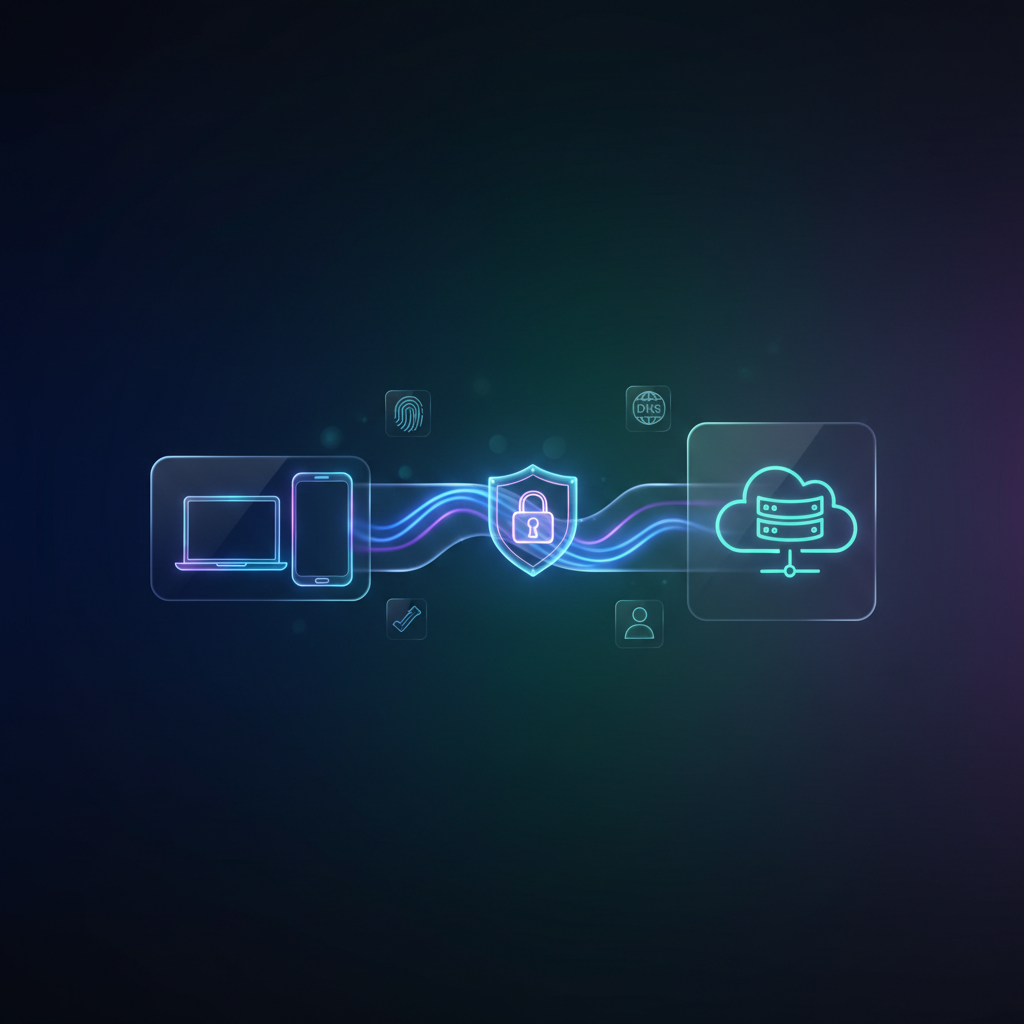
A VPN (Virtual Private Network) creates an encrypted tunnel between your device and a VPN server. From the perspective of your internet provider, your traffic becomes harder to inspect because it is encrypted. From the perspective of the websites you visit, your connection appears to come from the VPN server rather than your real IP address.
That is the core function: the VPN changes the visible network path and encrypts data as it travels through local and upstream networks. It does not magically “clean the internet.” It changes what different parties can observe.
The first major benefit is protection on untrusted networks. Public Wi-Fi in airports, cafés, and hotels is convenient, but it is also a shared environment. A VPN reduces exposure on these networks by encrypting your traffic to the VPN server. This makes it far harder for passive observers to learn what you are doing during that session.
The second benefit is reducing ISP-level visibility. Without a VPN, your ISP can often infer which services you use by observing domain resolution patterns and traffic destinations. With a VPN, your ISP usually sees a single encrypted connection to the VPN server and a large volume of encrypted traffic. Your ISP can still observe connection time and bandwidth usage, but the list of direct destinations becomes less visible.
The third benefit is IP masking. Your home IP address is a stable identifier that can connect sessions over time. Many tracking and risk systems use IPs as part of their correlation models. A VPN replaces your IP with a shared server IP, which can reduce simple IP-based profiling. This is especially valuable when you want to minimize geographic and network identity exposure.
However, this is where many users misunderstand how privacy works. A VPN can hide your real IP from websites, but it does not prevent websites from tracking you through other methods. If you are logged into personal accounts, those services still know who you are. If your browser fingerprint is consistent, you can still be recognized across sessions. A VPN cannot change that because those are client-side and account-level signals.
This is why the phrase “VPN = anonymity” is misleading. A VPN makes some types of tracking harder, but it does not remove identity signals that come from your own behavior and your own device. If you log into the same accounts, keep the same browser environment, and allow trackers to run freely, your identity is still highly linkable.
Modern tracking systems are built around correlation, not one single identifier. They combine IP reputation, browser fingerprinting, cookies, behavior patterns, and session timing to recognize users. A VPN changes one part of this system. It does not disable the rest.
Another important limit is that a VPN does not automatically protect DNS behavior. DNS is how domains are resolved into IP addresses. If DNS requests escape outside the tunnel, a network observer can still see which domains you are trying to reach. This is one reason VPN users must understand DNS routing and leak prevention. We cover that topic in detail here: secure DNS basics and common VPN DNS mistakes.
A VPN also does not guarantee consistent access everywhere. Many websites assign trust scores to IP addresses and apply friction to suspicious traffic. When you use a VPN, you may inherit the reputation of a shared endpoint. This can lead to extra CAPTCHAs, login challenges, or temporary blocks. If you want to understand why this happens, read: why VPN users often face IP reputation challenges.
Speed is another real-world consideration. A VPN adds an additional network hop and extra encryption overhead. A high-quality provider and a well-chosen server location can still deliver excellent performance, but slowdowns are normal in certain conditions. Performance depends on latency, packet loss, routing quality, and server load—not just “VPN quality.” We break down the technical reasons VPNs slow down here: why VPN performance drops under real network conditions.
It’s also worth highlighting a common confusion: a VPN is not the same thing as a proxy. Both can route traffic through another server, but VPNs typically protect traffic at a broader network layer, while proxies often operate at the application layer and do not automatically encrypt everything. For privacy-focused use, the difference matters because the security model changes.
Some users try to solve every privacy problem with a VPN alone. That strategy is incomplete. A VPN is most effective when combined with browser privacy hygiene: limiting trackers, controlling storage, and reducing fingerprinting signals. A VPN can protect your network path, but browser tracking still happens inside the browser unless you reduce it directly.
In a realistic privacy setup, the VPN is one layer in a stack. It improves safety on open networks, reduces ISP visibility, and lowers IP-based correlation. Other tools handle browser tracking and client-side exposure. The best results come from layered protections that don’t break usability.
So when should you use a VPN? Use it on public Wi-Fi. Use it when you want to reduce IP-based tracking signals. Use it when you want more privacy from your local network or ISP. And use it when you want a consistent security layer for everyday browsing.
When should you avoid relying on a VPN? When your privacy risk is actually browser tracking, logged-in identity, or fingerprinting. In those cases, a VPN helps, but it does not solve the core problem. If you want to go deeper on how tracking works without cookies and why “IP masking” isn’t enough, read this: how modern tracking identifies users without cookies.
A final point: strong privacy is not about extreme configurations. It is about predictable, consistent behavior. If your VPN setup breaks often, you will stop using it. If your privacy tools create too much friction, you will disable them. The best setup is the one you can maintain daily.
A VPN is a powerful and legitimate privacy tool. But its true strength comes from using it with realistic expectations: it protects the connection, not your entire identity. Once you understand that boundary, VPNs become far more valuable—and far less confusing.